Timeline
The timeline is your upcoming plans from every group in one list, sorted by day. It appears in two places:
- Coming up on Home shows the next few. Tap See all for the rest.
- Plans shows the full list, with polls and past plans too. Filter by group at the top.
Reading a row
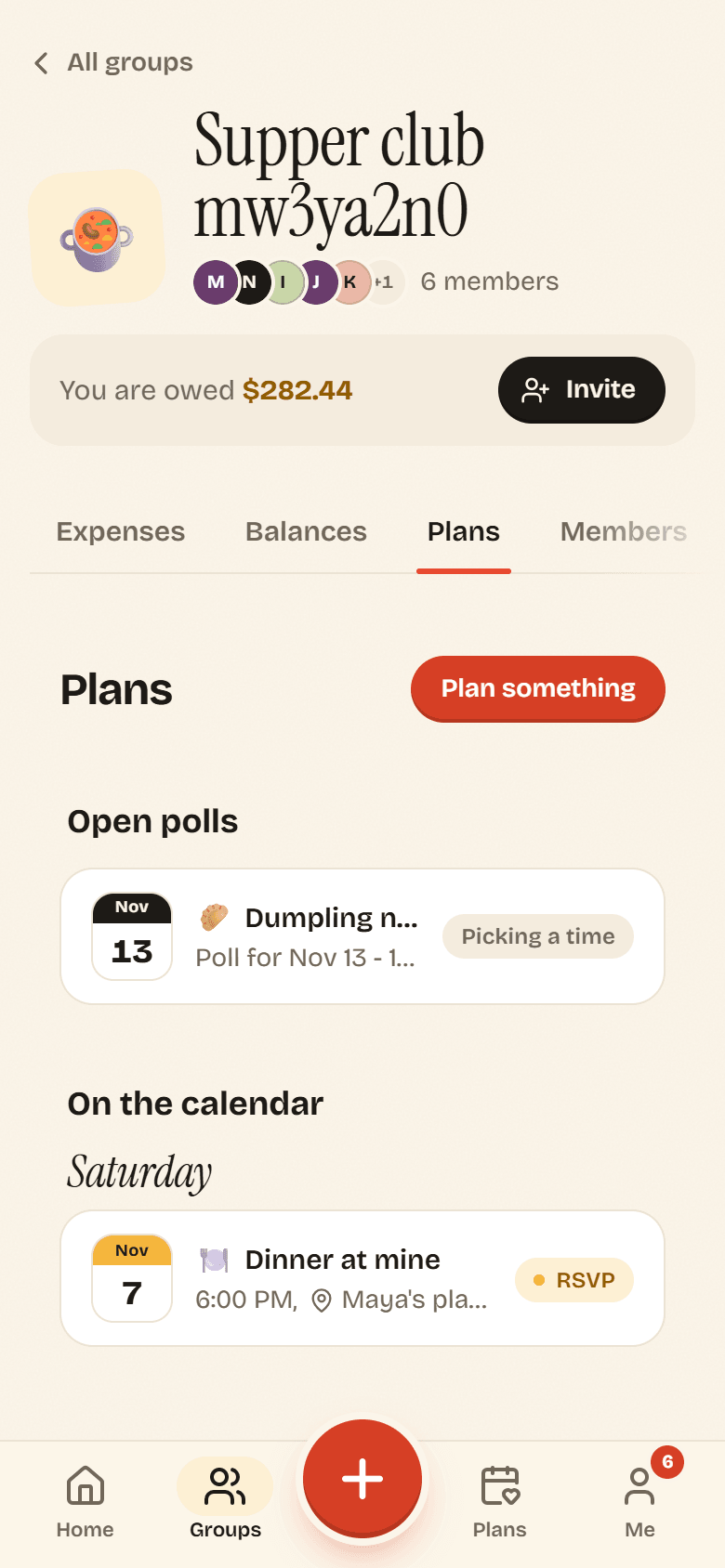
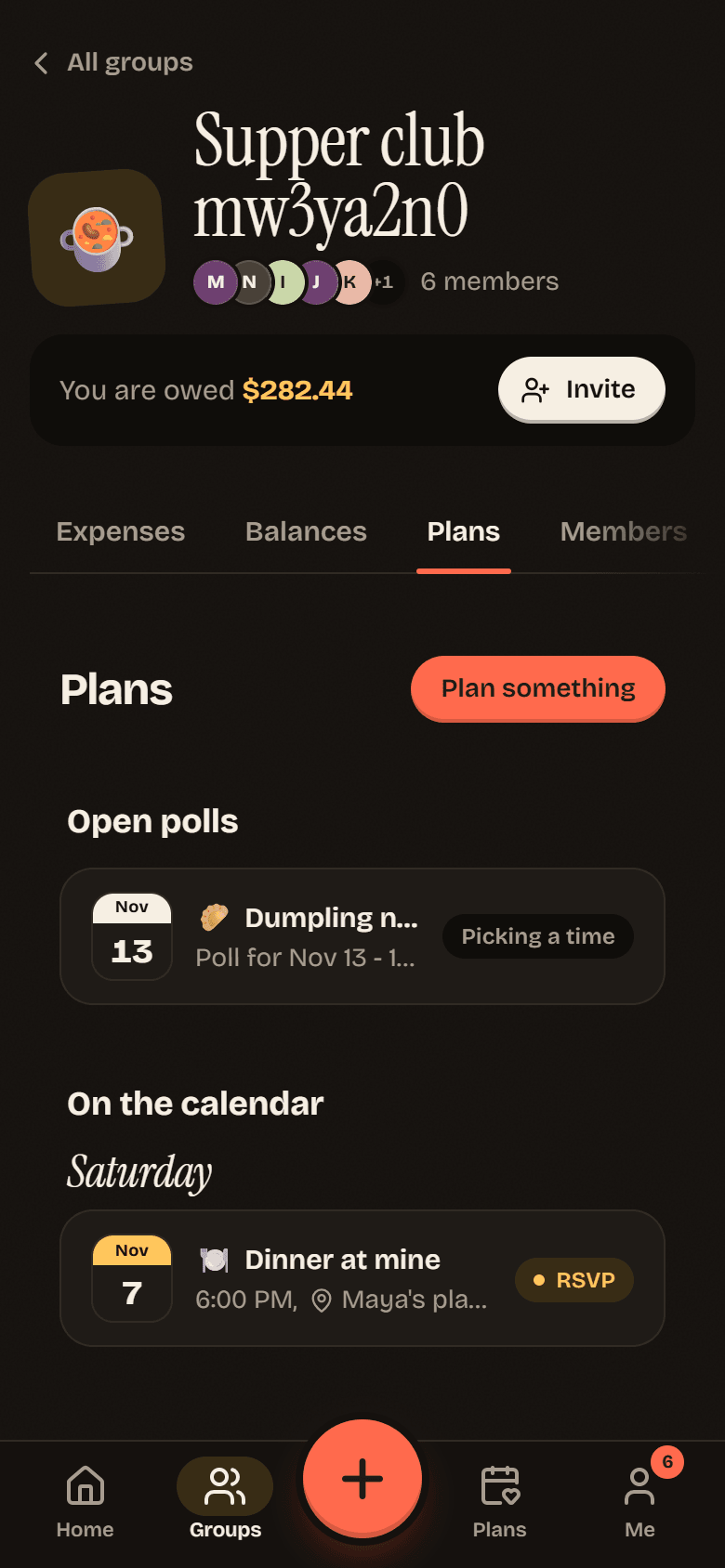
Section titled “Reading a row”Each row shows the date, the plan’s emoji and title, the time and place, and which group it belongs to. Days are labeled Today, Tomorrow, the day of the week for the next few days, and the date after that.
The tag on the right says what the plan needs:
| Tag | Meaning |
|---|---|
| Add your times | The poll is open and you have not painted yet. See Painting your availability. |
| Picking a time | The poll is open and you have answered. Waiting on the others. |
| RSVP | The time is locked in and you have not said if you are coming. See RSVP. |
| going count | You have answered. Shows how many people are going. |
| Called off | The plan was cancelled. |
Plans that need you also appear under Needs you on Home, so you rarely have to go looking.
An empty timeline says Nothing on the books. Tap Plan something to fix that.