Roles and members
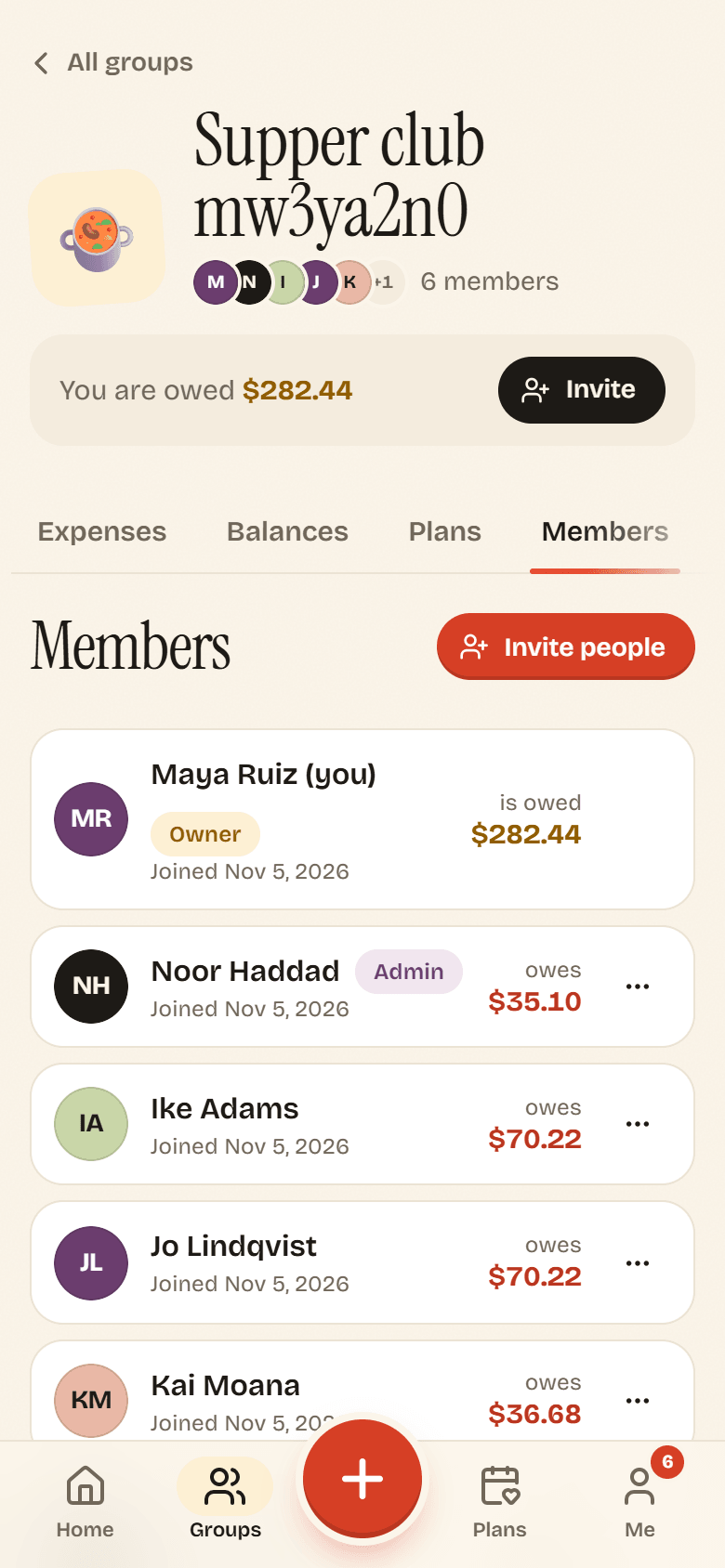
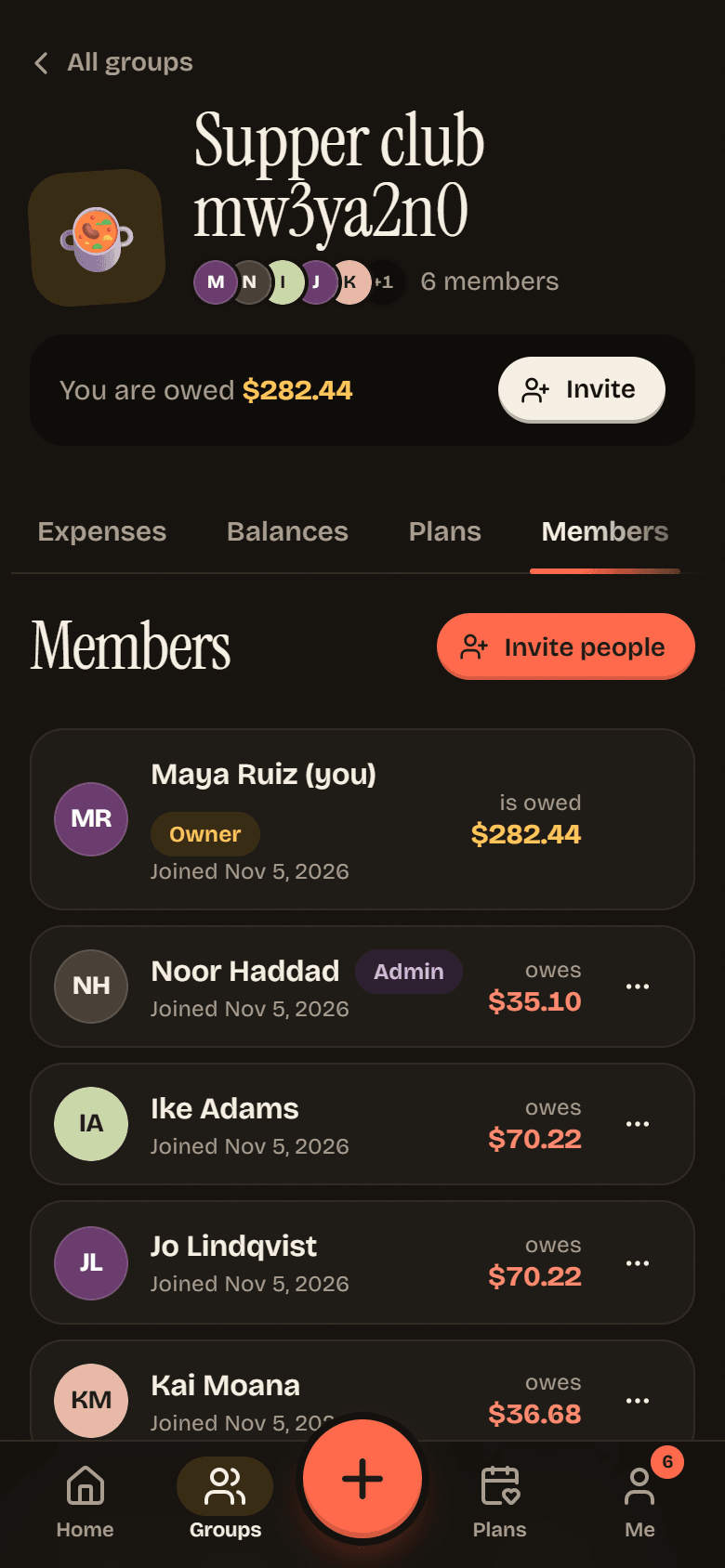
Every group has exactly one Owner, any number of Admins, and everyone else is a Member. You can see each person’s role on the Members tab.
Who can do what
Section titled “Who can do what”| Owner | Admin | Member | |
|---|---|---|---|
| Add expenses, and edit or delete the ones you added or paid | yes | yes | yes |
| Edit or delete anyone’s expense | yes | yes | no |
| Add your times, RSVP and comment on plans | yes | yes | yes |
| Plan something and nudge people | yes | yes | yes |
| Lock in or call off a plan | yes | yes | only plans they organized |
| Make member invite links | yes | yes | if the group allows it |
| Make admin invite links | yes | no | no |
| Change roles and remove people | yes | regular members only | no |
| Change group settings, archive the group | yes | yes | no |
| Transfer ownership, delete the group | yes | no | no |
In the app’s own words: the owner “runs the place”, admins “can edit settings, manage members, and fix anyone’s expenses”, and members “add expenses, vote on plans, and settle up”.
Change someone’s role
Section titled “Change someone’s role”- On the Members tab, tap the three-dot button next to the person.
- Tap Make admin or Make regular member, then Confirm.
Owners can change anyone except themselves. Admins can only change regular members, which includes promoting a member to admin.
Remove someone
Section titled “Remove someone”- On the Members tab, tap the three-dot button next to the person.
- Tap Remove from group, then Remove.
Owners can remove anyone. Admins can remove regular members. Nobody can remove the owner.
Leave a group
Section titled “Leave a group”Tap Leave group at the bottom of the Members tab (it is also under The exit in Group settings), then confirm.
The open balance rule
Section titled “The open balance rule”You cannot leave a group, or remove someone from it, while that person still owes money or is owed money there. Potluck says You still have an open balance here. Settle up first. or still has an open balance. Settle up first.
This keeps the books honest. If someone could walk away mid-tab, the rest of the group would be left holding a debt nobody can collect. Settle up until the balance is zero, then leave.
Transfer ownership
Section titled “Transfer ownership”The owner cannot leave until someone else owns the group. Potluck says Hand ownership to someone else before you go.
- On the Members tab, tap the three-dot button next to the new owner.
- Tap Make owner, then confirm.
They become the owner and you become an admin. From there you can leave like anyone else.
If you are the only person left in a group you own, you can leave without handing it over. The group is deleted when you go.