Repeating expenses
Rent, the internet bill, a shared streaming subscription. Set them up once and Potluck adds a copy on the day each one is due.
Make an expense repeat
Section titled “Make an expense repeat”- Add the expense as usual, with the first date it happened. See Adding an expense.
- Near the bottom of the form, set Repeats to Every week, Every month or Every year.
- Tap Save expense.
The first copy appears one period after the date you entered. Each copy has the same amount, payer, split and category, and shows a small repeat icon in the list.
See and manage repeating expenses
Section titled “See and manage repeating expenses”Everything that repeats in a group is listed under Repeating at the top of the Expenses tab, with how many are running and the next date for each.
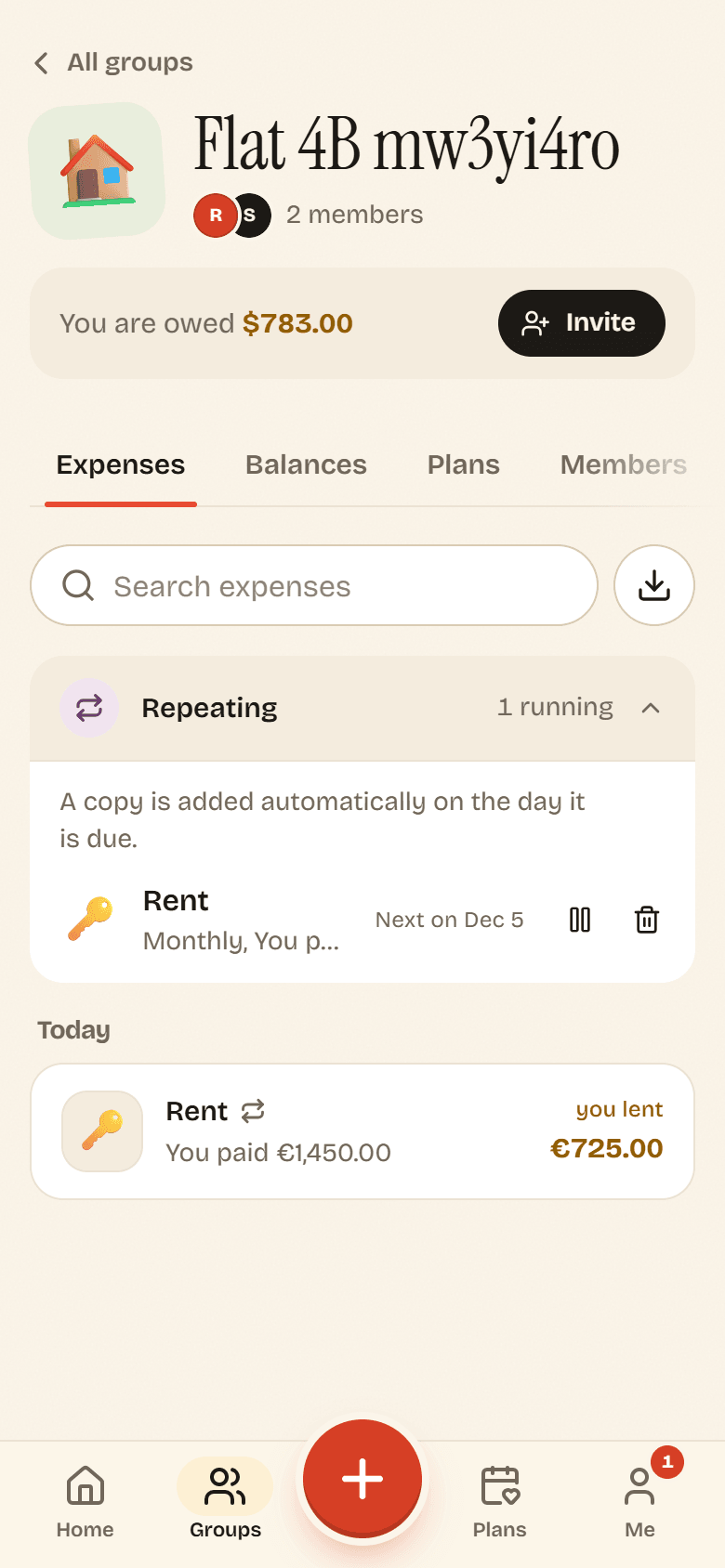
- Pause stops new copies until you tap Resume.
- Stop repeating ends it for good. Expenses already added stay.
The person who set it up can pause or stop it, and so can the group’s owner and admins.