Adding an expense
An expense says three things: how much, who paid, and who it was for. Potluck works out what everyone owes from there.
Add an expense
Section titled “Add an expense”-
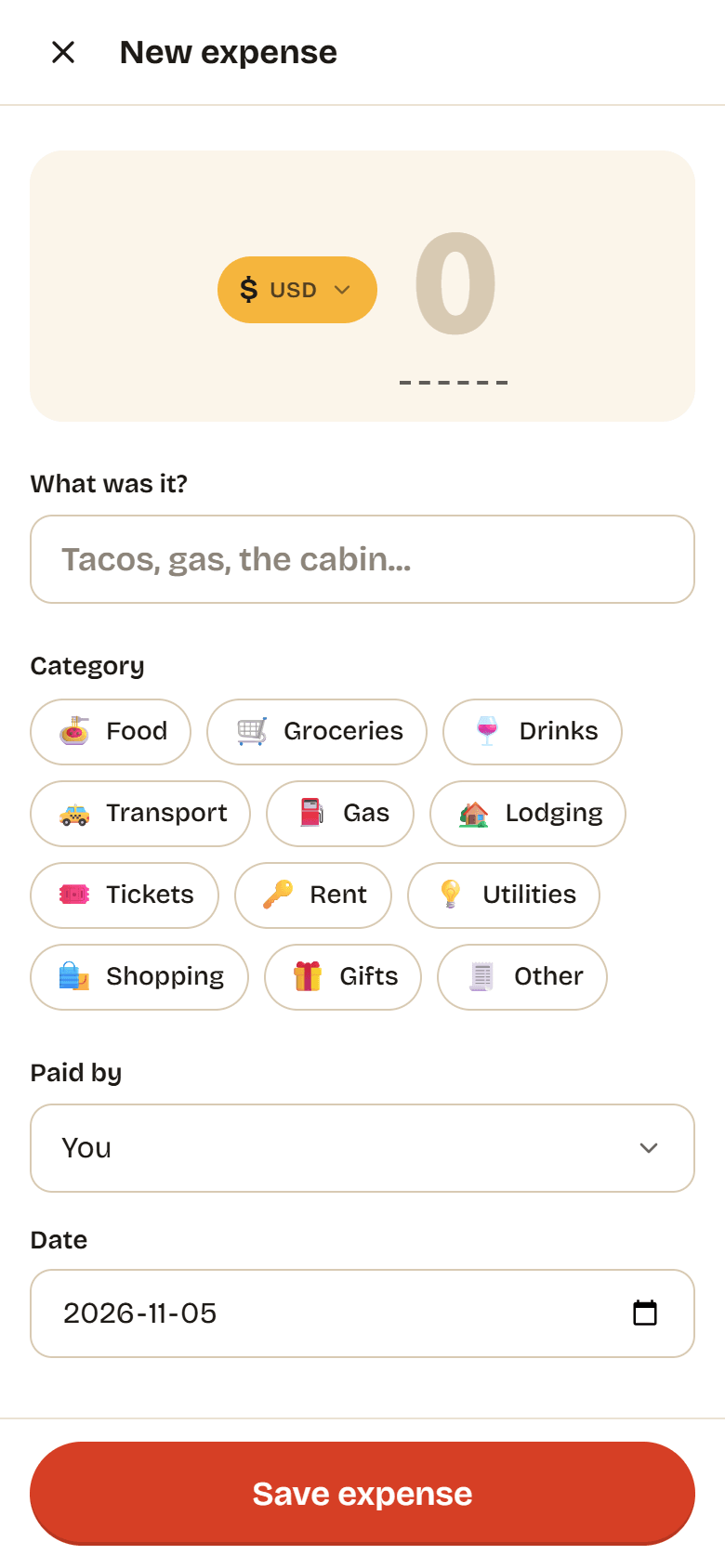
In a group, tap Add expense on the Expenses tab. From anywhere else, tap the big plus button, then Add expense, and pick the group under Which group is this for?
-
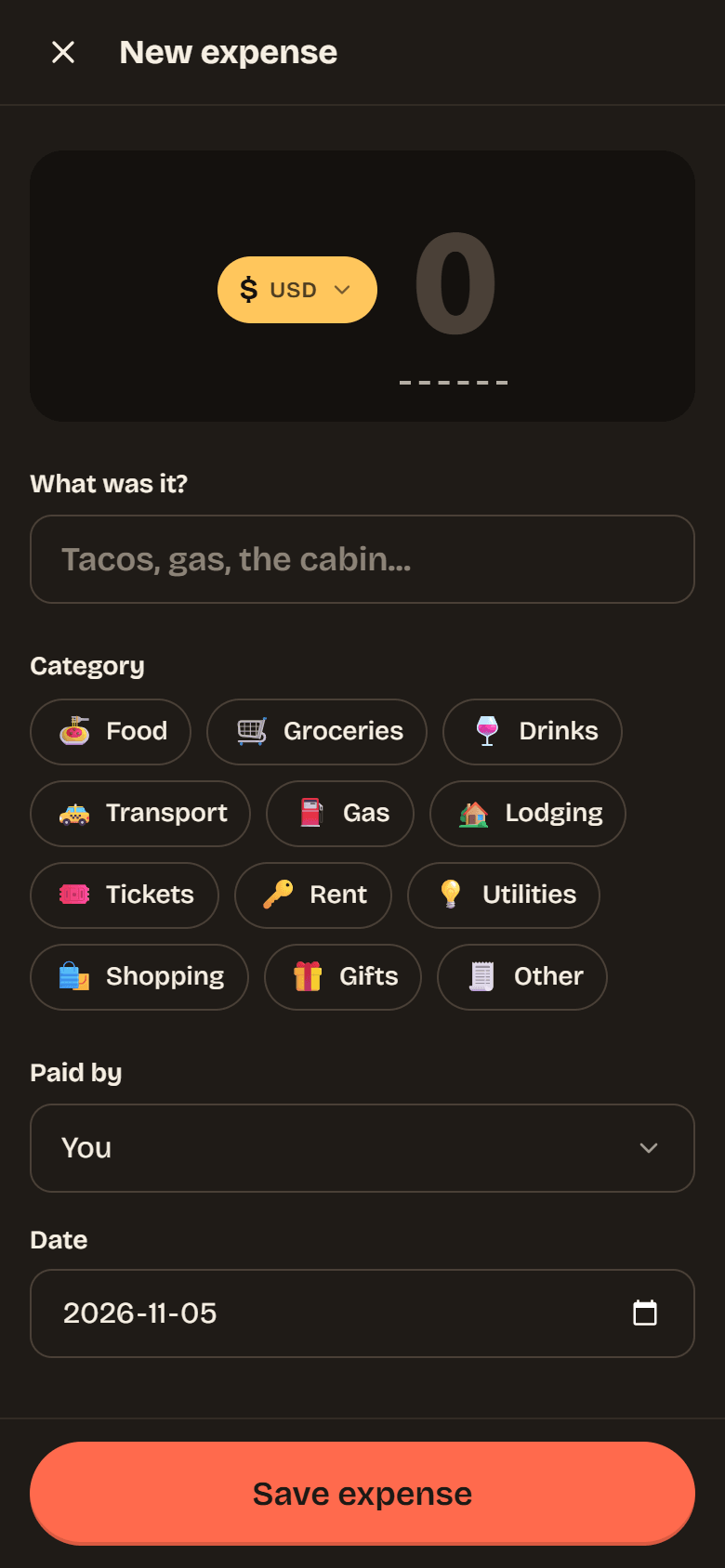
Type the Amount. The yellow chip next to it shows the currency. Tap it to pay in a different one; see Currencies.
-
Fill in What was it? and pick a Category: Food, Groceries, Drinks, Transport, Gas, Lodging, Tickets, Rent, Utilities, Shopping, Gifts or Other.
-
Check Paid by (you, unless you change it) and the Date.
-
Under Split between, choose who it was for and how to split it. Equal with everyone ticked is the default. The five ways to split are explained in Splitting.
-
Add Notes or a Receipt if you like, and choose whether it Repeats (see Repeating expenses).
-
Tap Save expense. Potluck confirms what you added and what your share is.
Reading the expense list
Section titled “Reading the expense list”The Expenses tab lists expenses and payments by day, newest first. Each line tells you where it leaves you:
- you lent an amount: you paid, and others owe you their share.
- you borrowed an amount: someone else paid, and this is your share.
- not involved: you were not part of the split.
Payments between people show as, for example, Noor paid you $35.10. Use Search expenses to find something by name, or tap a category chip to see only that kind of expense.
Expense details
Section titled “Expense details”Tap an expense to open it.
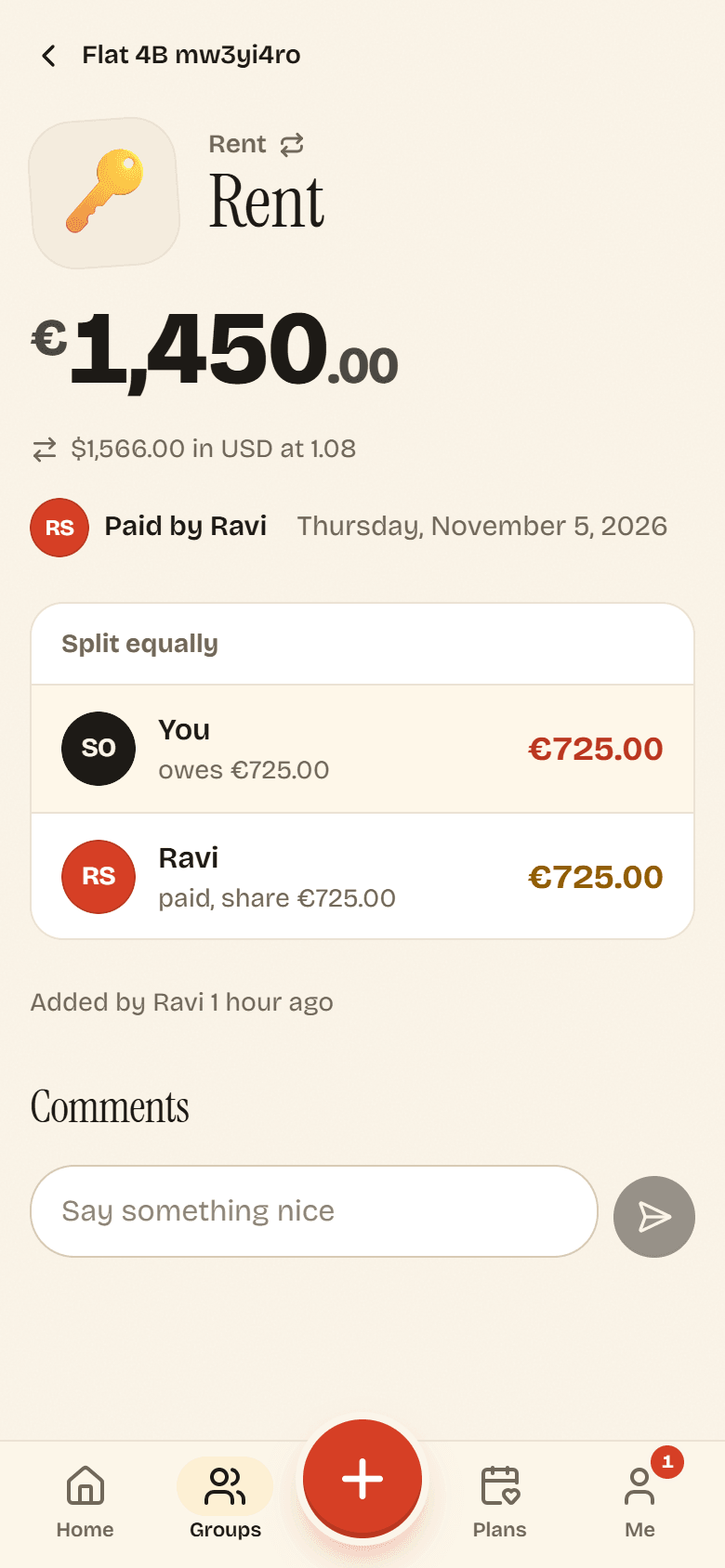
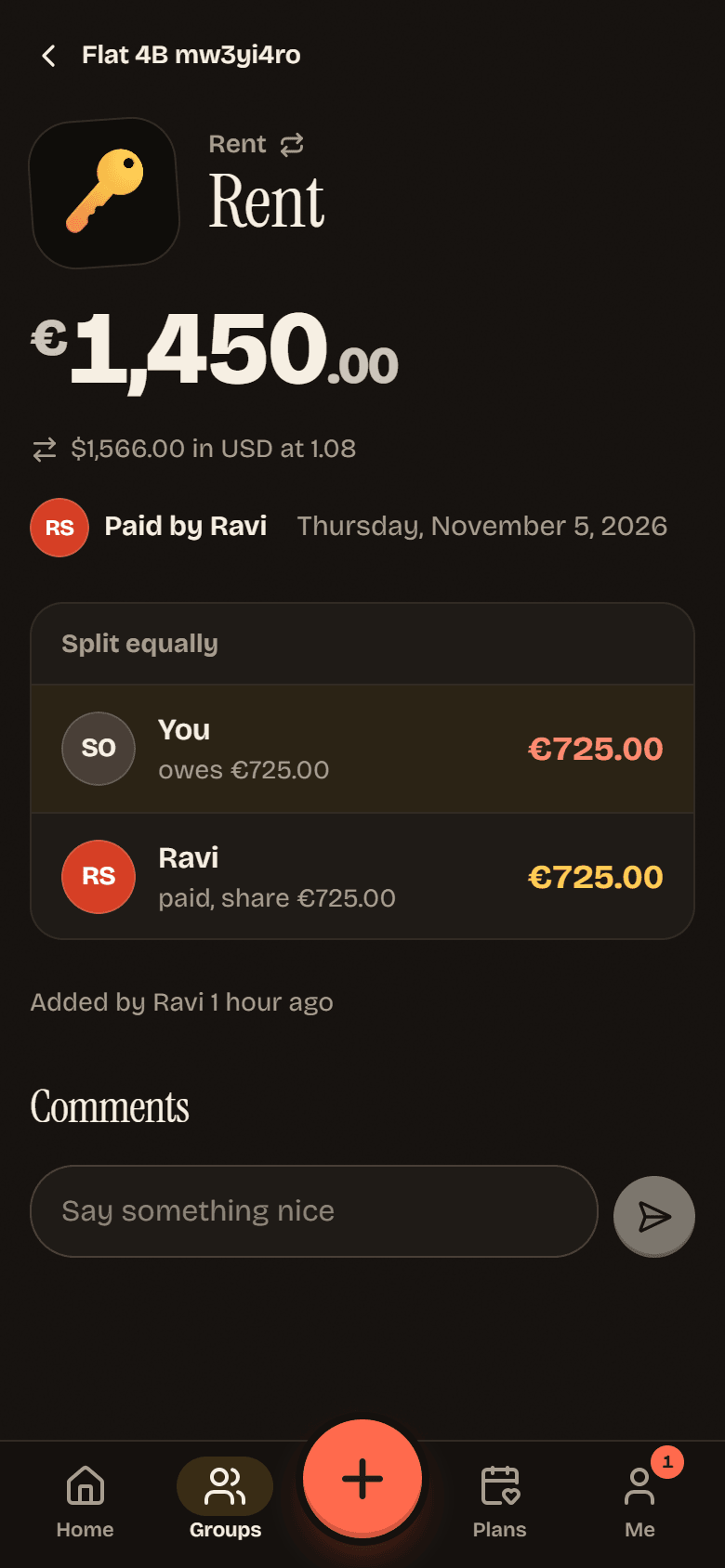
You see who paid, how it was split and what each person owes, who added it and when, the receipt and notes, and the exchange rate if it was in another currency. At the bottom, Comments is a place for the group to talk about this expense (“was the tip in there?”).
Expenses for a plan
Section titled “Expenses for a plan”When you add an expense from a plan with Add an expense for this plan, it is linked to that plan (Linked to a plan), and the plan shows what has been spent on it. See Locking in a time.