Currencies
Every group keeps its balances in one currency, the one chosen when the group was made. You can still add an expense in any other currency. Potluck converts it into the group’s currency when you save.
Add an expense in another currency
Section titled “Add an expense in another currency”- On New expense, tap the yellow currency chip next to the amount.
- In Pick a currency, choose from Other currencies. The Group currency sits at the top.
- Type the amount as it appears on the receipt. Potluck shows a preview, for example About $156.60 in USD, with the rate it is using and its date.
- Save as usual. The note under the preview says it plainly: The exact rate is locked in when you save.
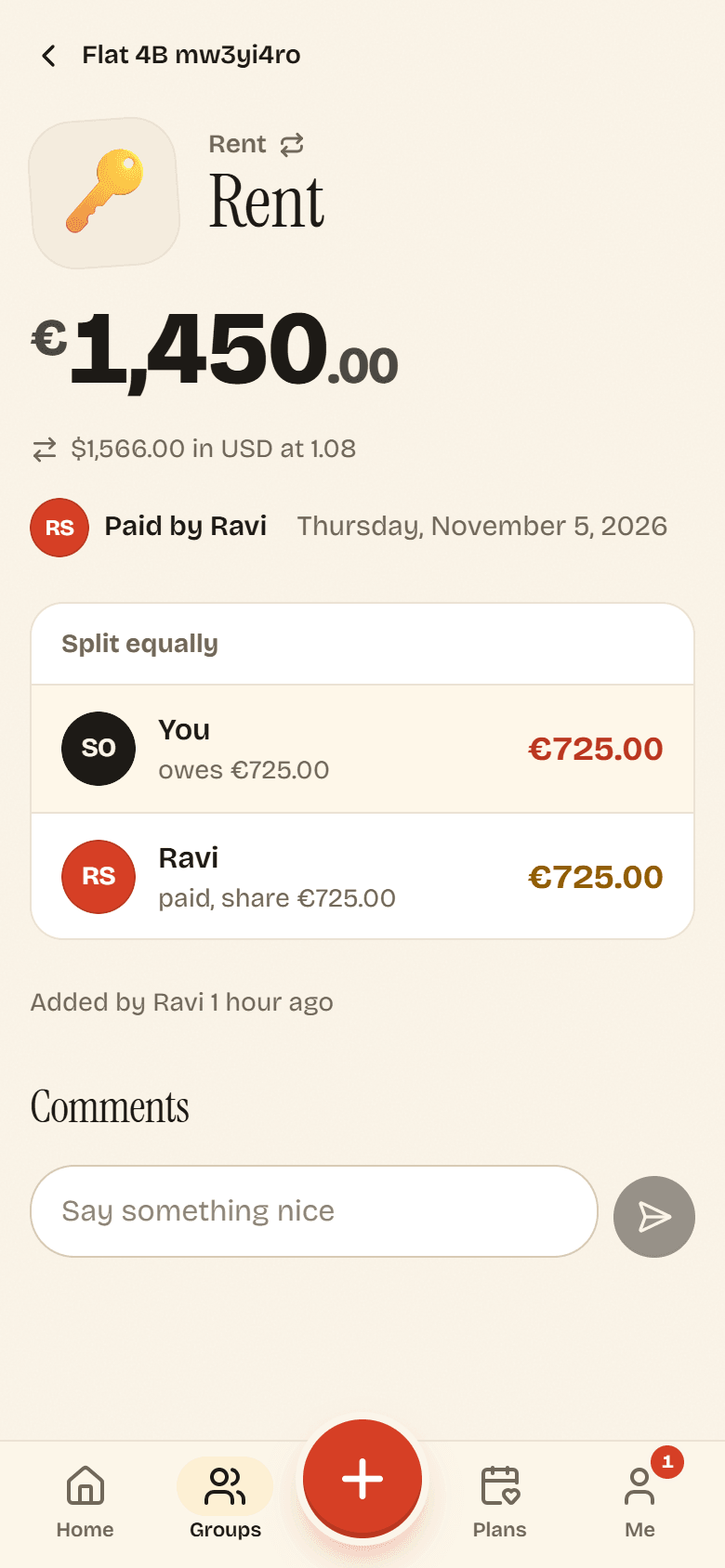
On the expense, both amounts appear: the original, and the converted amount with the rate.
Where the rates come from
Section titled “Where the rates come from”Potluck uses the daily reference rates published by the European Central Bank, and refreshes them once a day. For each expense it takes the latest rate on or before the expense’s Date. A dinner from last Tuesday uses last Tuesday’s rate, not today’s.
Once the expense is saved, its rate never changes. Editing the expense later keeps the saved rate, as long as you keep the same currency. Nobody can type in their own rate, so everyone in the group sees the same conversion.
Balances and payments
Section titled “Balances and payments”- Balances, Settle up and payments are always in the group’s currency.
- The group currency is Locked once money has been added. See Group settings.
- The balance on Home adds up groups that use your Default currency. Groups in other currencies are listed separately as Plus balances in those currencies, because Potluck does not convert balances between groups.
You can change your default currency on the Me page. It only affects new groups and the Home summary.