Inviting people
People join a group with a link. There are no usernames to look up and no friend requests. Send the link in the group chat and everyone who taps it is in.
Make an invite link
Section titled “Make an invite link”-
In the group, tap Invite (top of every tab) or Invite people on the Members tab.
-
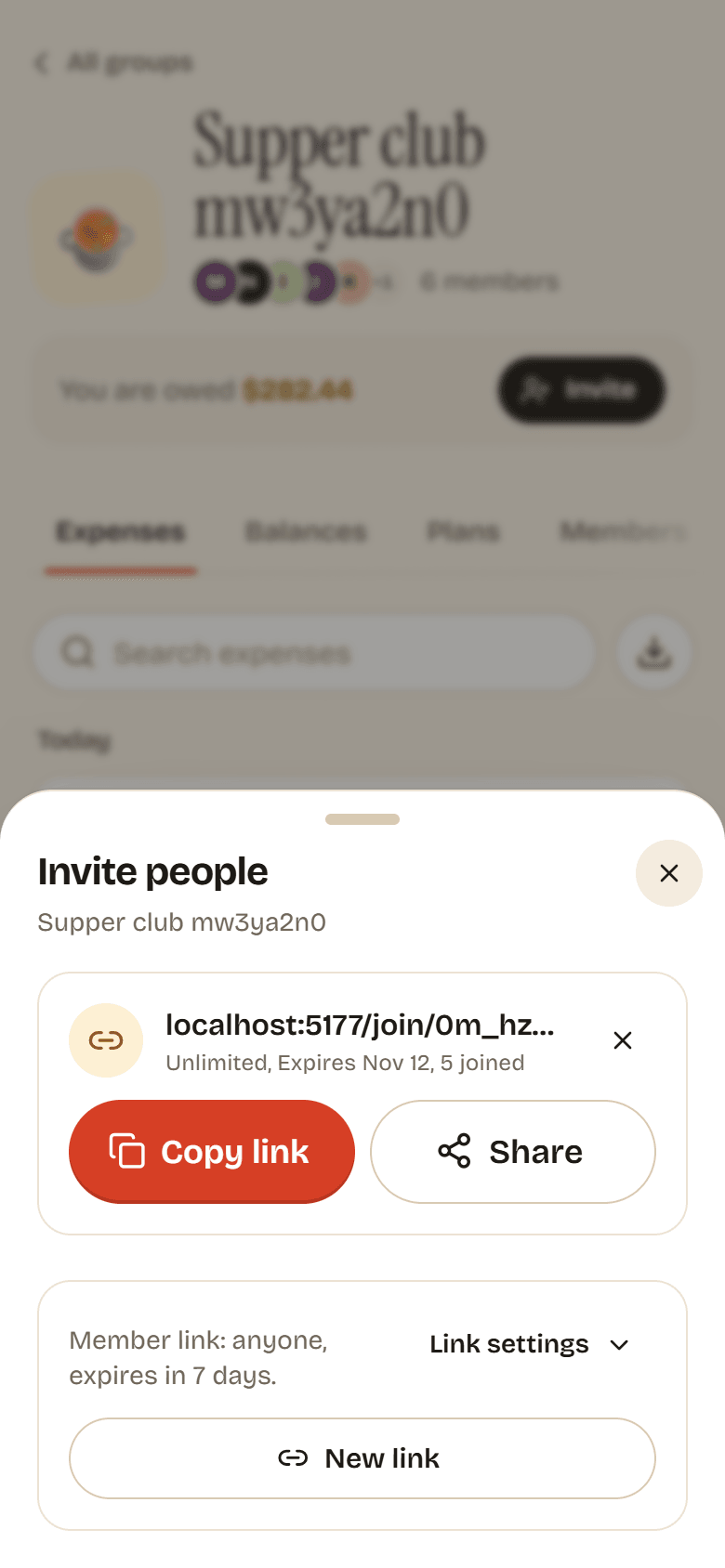
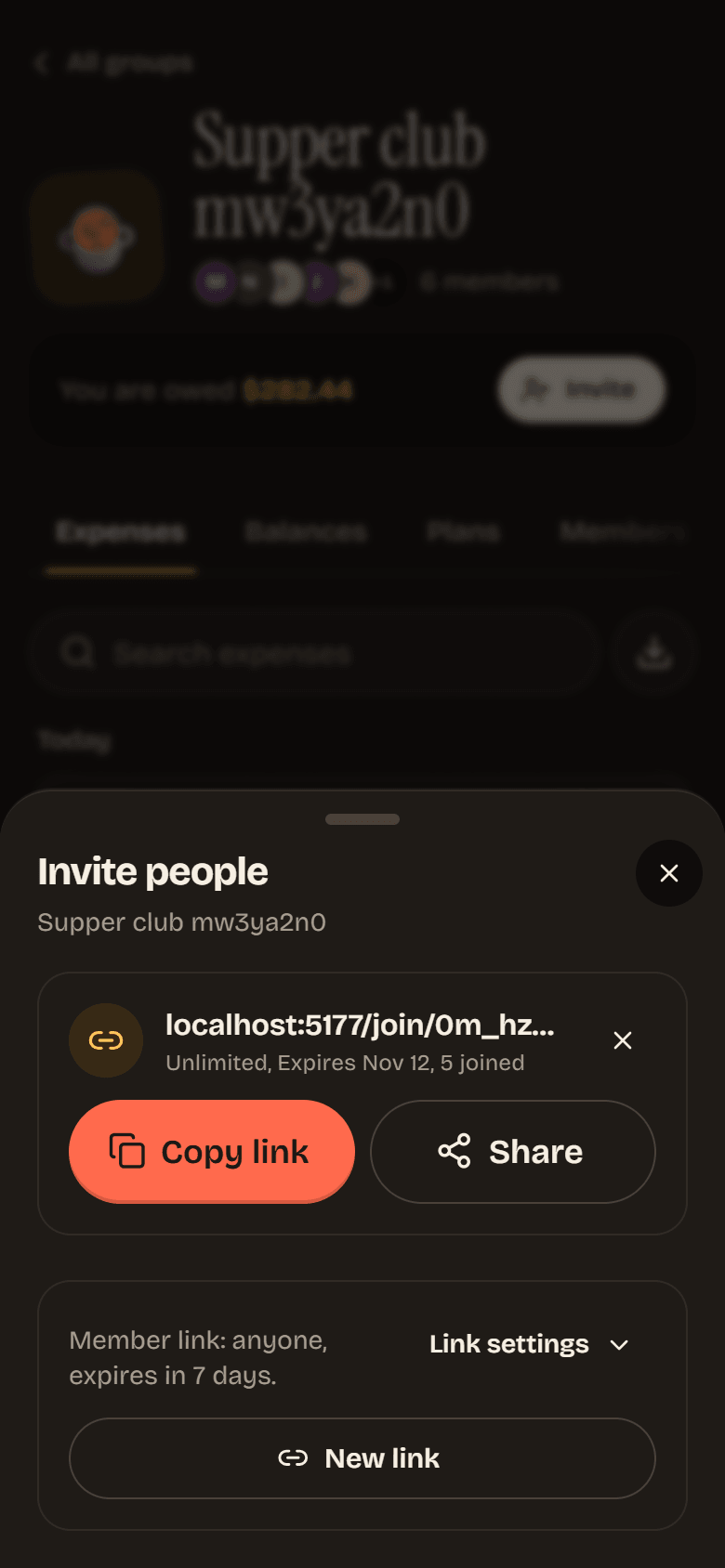
Tap Create link. The summary above the button says what the link allows. By default it is a Member link that anyone can use and that expires in 7 days.
-
Tap Copy link and paste it wherever your friends are, or tap Share to use your phone’s share sheet.
Change what a link allows
Section titled “Change what a link allows”Tap Link settings before you create the link:
| Setting | Choices |
|---|---|
| Joins as | Member or Admin. Only the group owner sees this choice. |
| Uses | 1, 5, 25 or Unlimited. A one-use link is good for inviting a single person. |
| Expires | 1 day, 7 days, 30 days or Never. |
Tap New link to make another one with different settings. Every link that still works is listed under Open links, with how many uses are left, when it expires and how many people joined with it.
Close a link
Section titled “Close a link”Tap the X next to a link (Revoke). Anyone who opens it afterwards sees that it was revoked. If you tapped it by mistake, tap Undo on the message that pops up.
Join with a link
Section titled “Join with a link”-
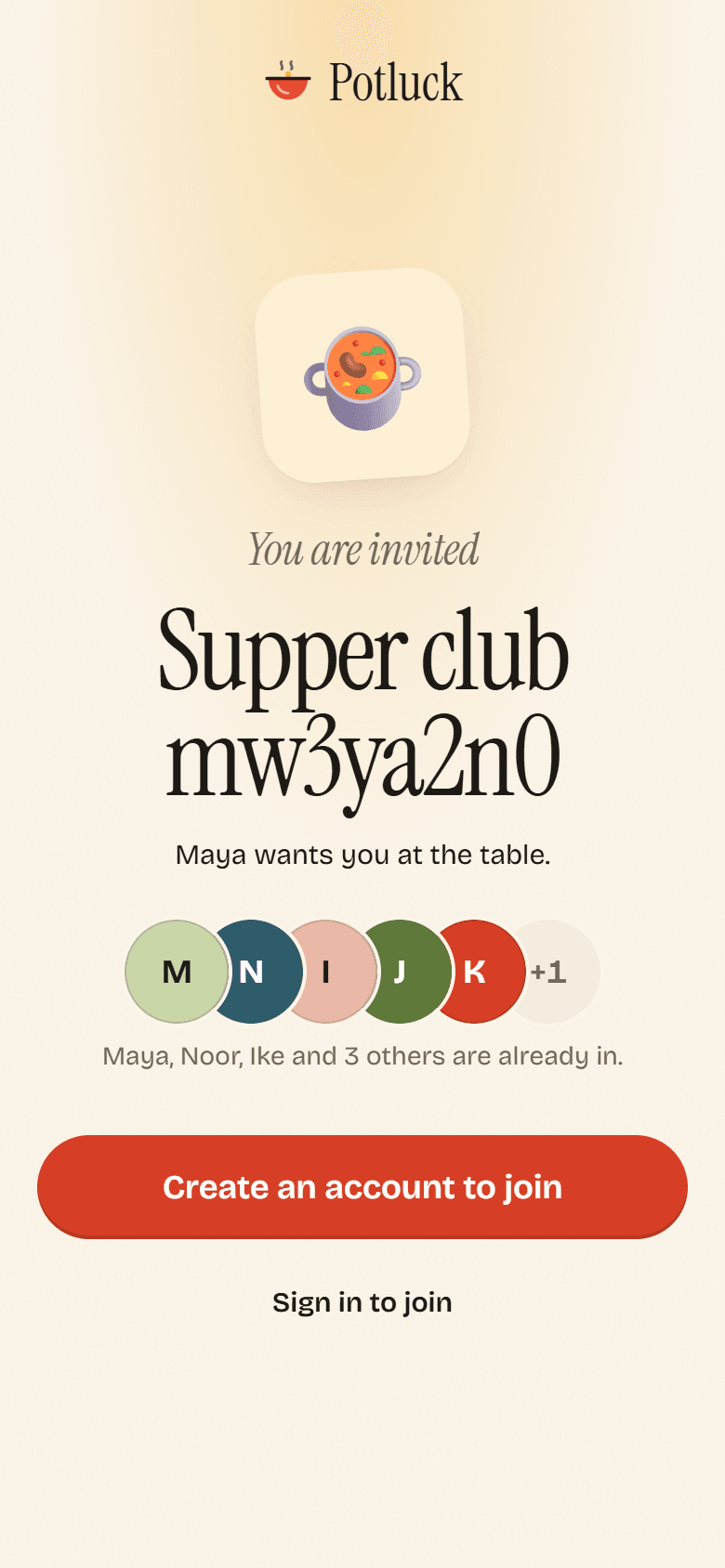
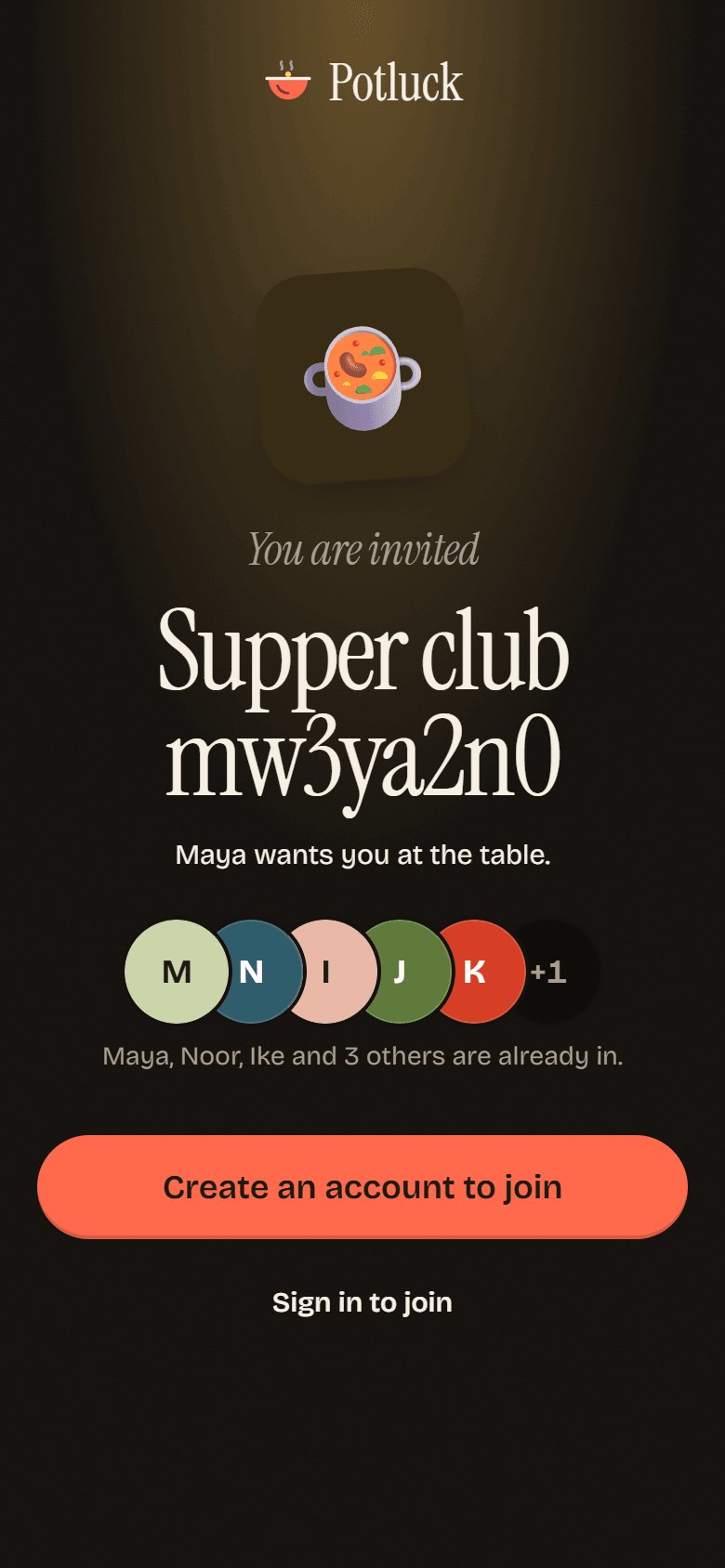
Open the link. You see the group, who invited you and who is already in.
-
New to Potluck? Tap Create an account to join. Already have an account? Tap Sign in to join. If you are signed in, the button says Join and the group’s name.
-
You land in the group. Everyone in it now shows up on your Friends list.
If you are already in the group, the page says so and offers Open group.
When a link does not work
Section titled “When a link does not work”The page says This invite has gone cold and tells you why:
- This link has expired. Ask for a fresh one.
- This link has been used up. It hit its limit on uses.
- This link was revoked. Someone closed it.
- We could not find that invite. Check that you copied the whole link.
In every case, ask someone in the group for a new link. Owners and admins can make one in seconds.