Painting your availability
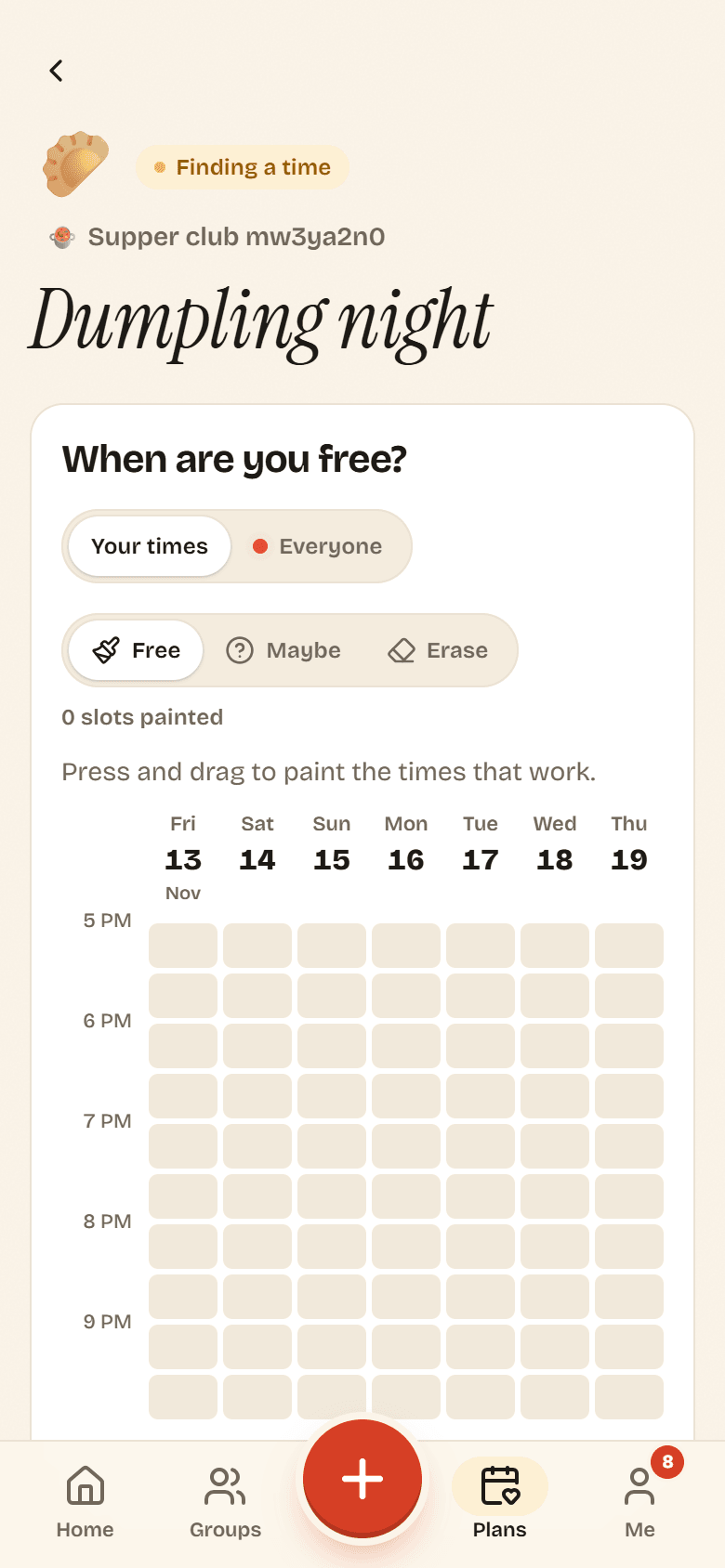
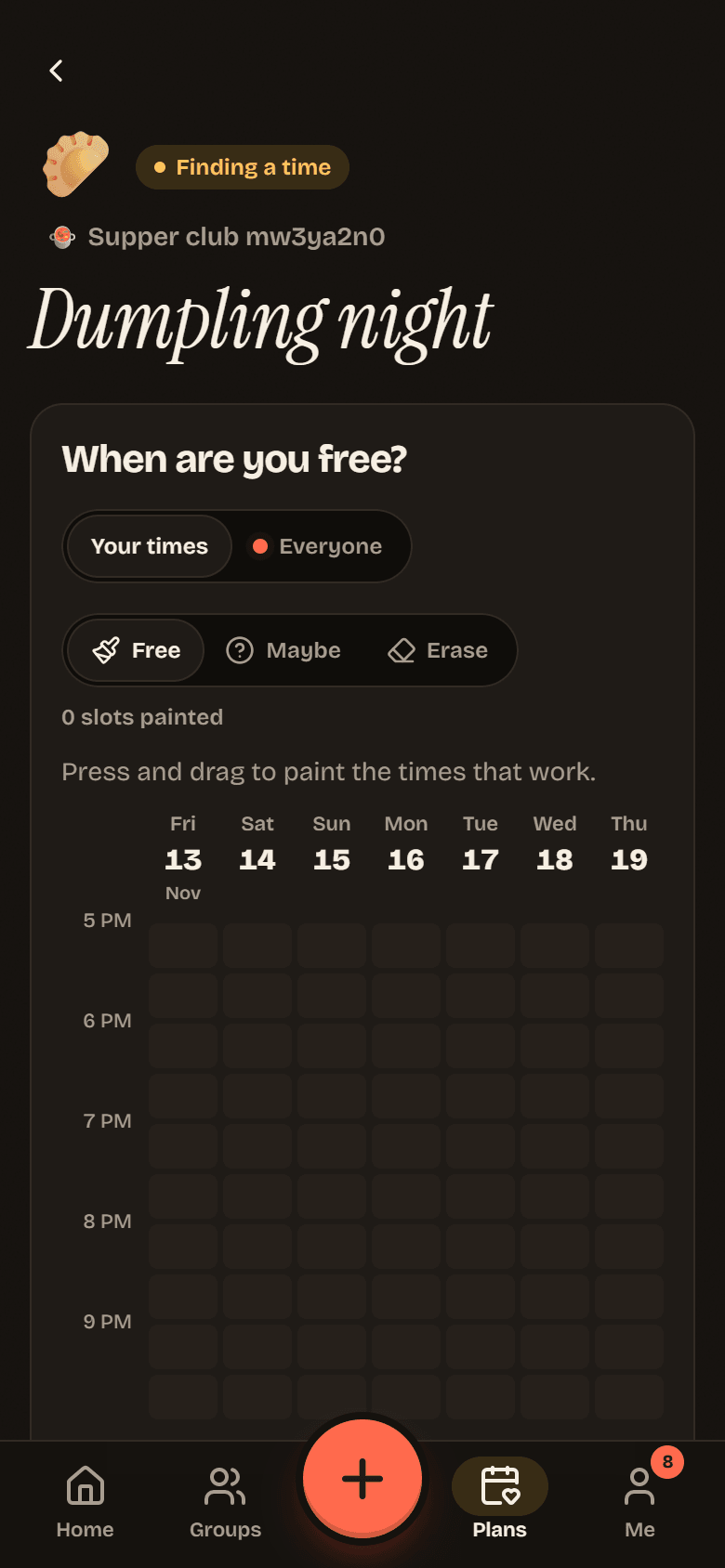
When a poll opens, Potluck asks When are you free? You answer by painting a grid: days across the top, times down the side, in your own time zone.
Paint your times
Section titled “Paint your times”-
Open the plan from Needs you on Home, from Plans, or from the notification. Until you answer, the plan opens on Your times.
-
Pick a brush:
- Free: this time works for you.
- Maybe: you could make it if you must.
- Erase: clear cells.
-
Press and drag across the grid. Everything in the rectangle between where you started and where you are gets painted.
-
Switch brushes and paint again as needed. The counter shows how many cells you have painted.
There is no save button. Potluck saves as you go and shows Saving… and then Saved under the grid.
Mouse, touch and keyboard
Section titled “Mouse, touch and keyboard”Mouse or trackpad: click and drag. One click paints one cell.
Touch: press and drag with one finger. While your finger is on the grid, the page does not scroll, so you can paint downwards. Scroll by dragging outside the grid.
Keyboard: press Tab to move into the grid, then:
| Keys | What they do |
|---|---|
| ↑ ↓ ← → | Move between cells |
| Space or Enter | Paint the cell with the current brush, or clear it if it already has that brush |
| Shift + an arrow | Paint as you go, carrying the brush into each cell you move to |
| Tab | Leave the grid |
Screen readers announce each cell’s day, time and state, for example “not set” or “Works for me”.
The live heatmap
Section titled “The live heatmap”Tap Everyone to see Group availability. Each cell gets warmer the more people can make it, from Nobody (pale) to Everyone (full tomato). A Maybe counts as half a person.
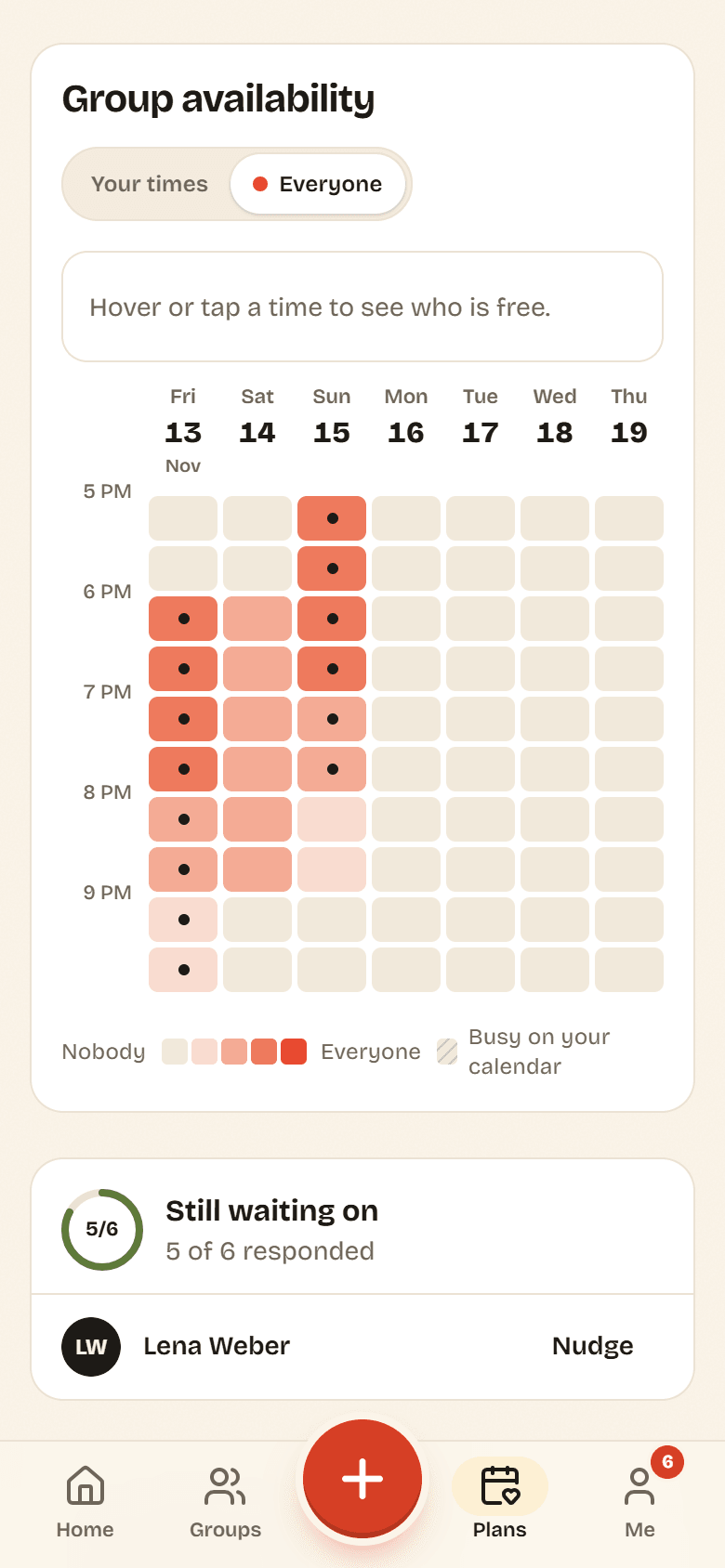
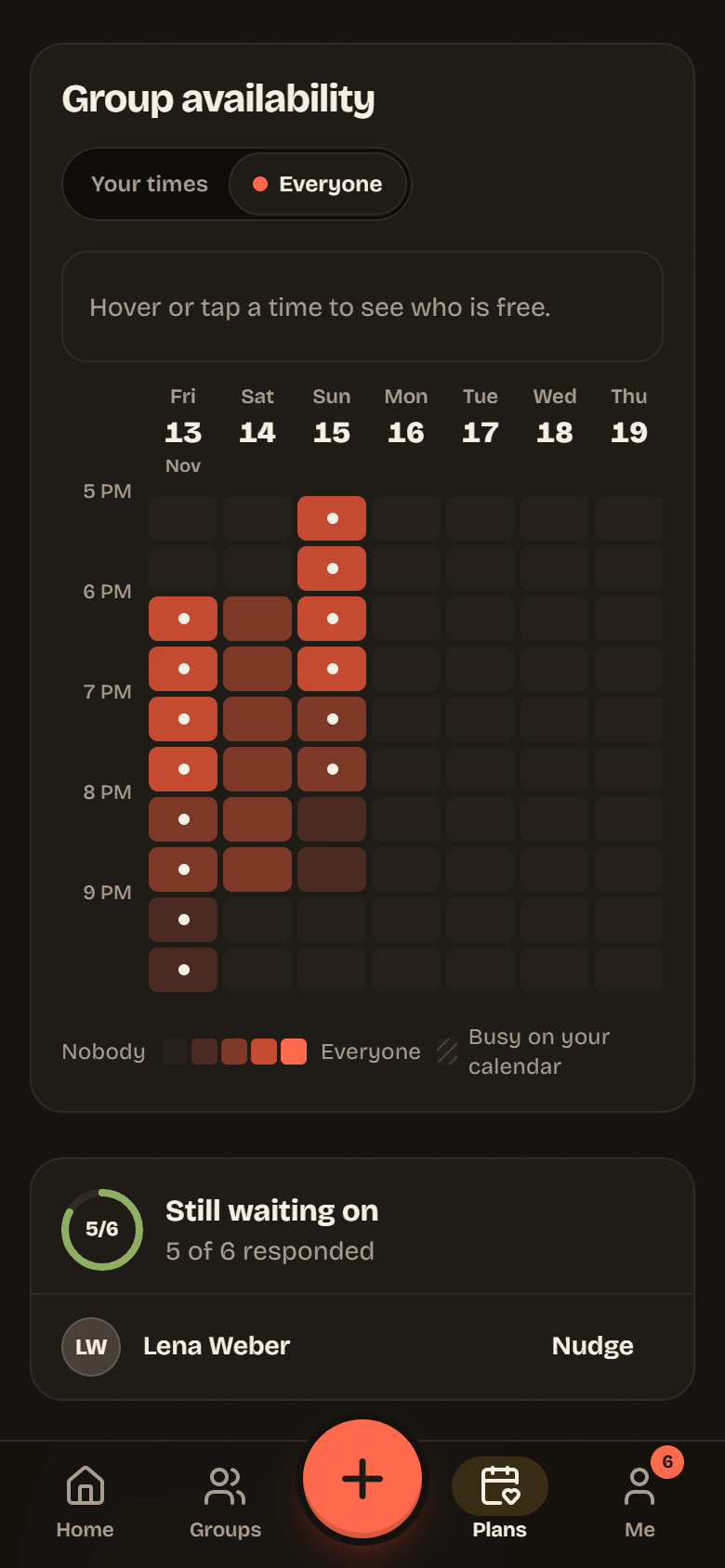
- Hover or tap a cell to see who is free then, for example 4 of 6 free, with Free: and Maybe: names.
- Cells you painted yourself carry a small dot.
- The grid updates live. When a friend paints, their cells warm up while you watch.
When you are on Everyone and have not answered yet, a reminder appears with an Add your times button.
Nudge people
Section titled “Nudge people”Still waiting on lists who has not added their times yet, with a count like 5 of 6 responded. Tap Nudge next to a person, or Nudge everyone, to send them a notification. Potluck shows when you last nudged someone, and the button turns into Nudge again.