Group settings
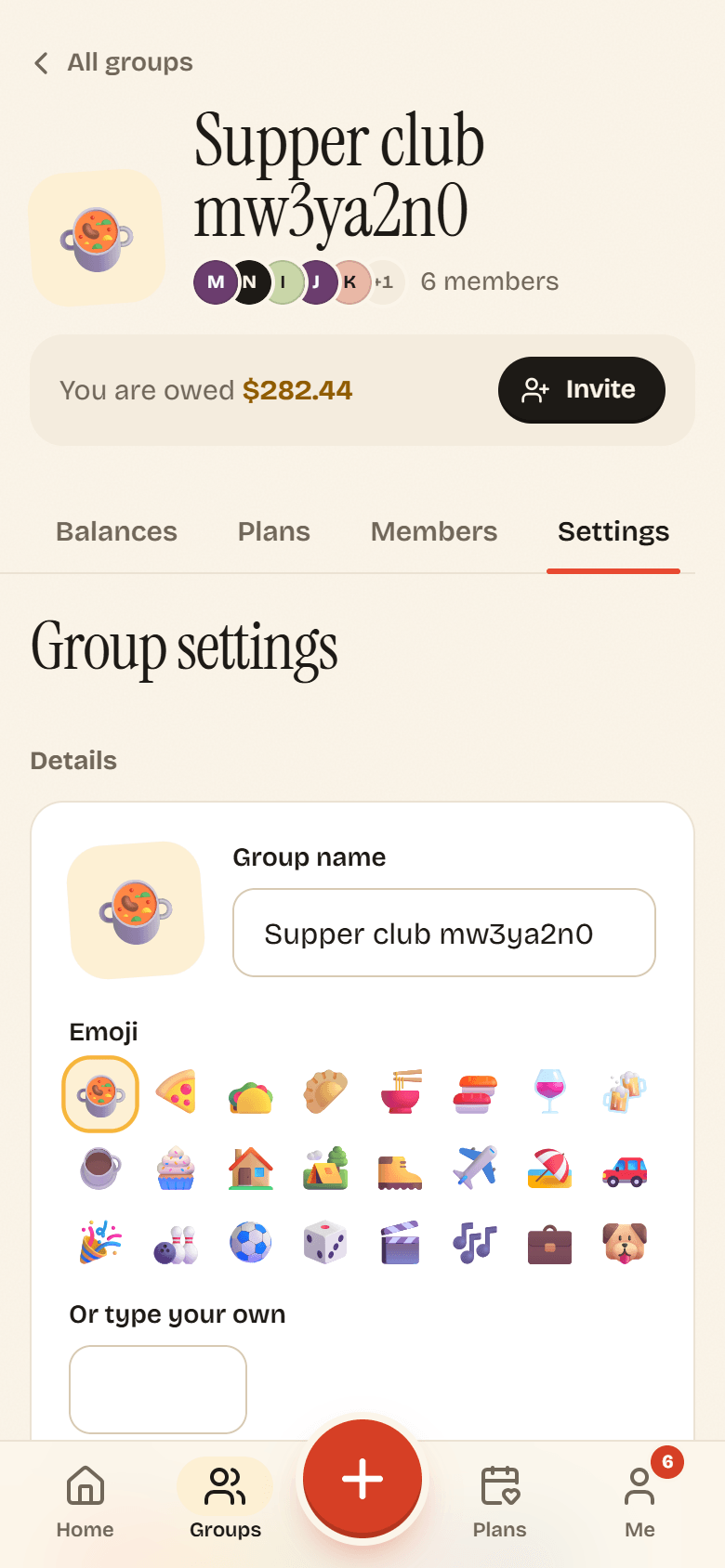
Open a group and tap the Settings tab (swipe the tabs left on a phone). Owners and admins can change everything here. Members see the same page read-only, with the note Only owners and admins can change these.
Details
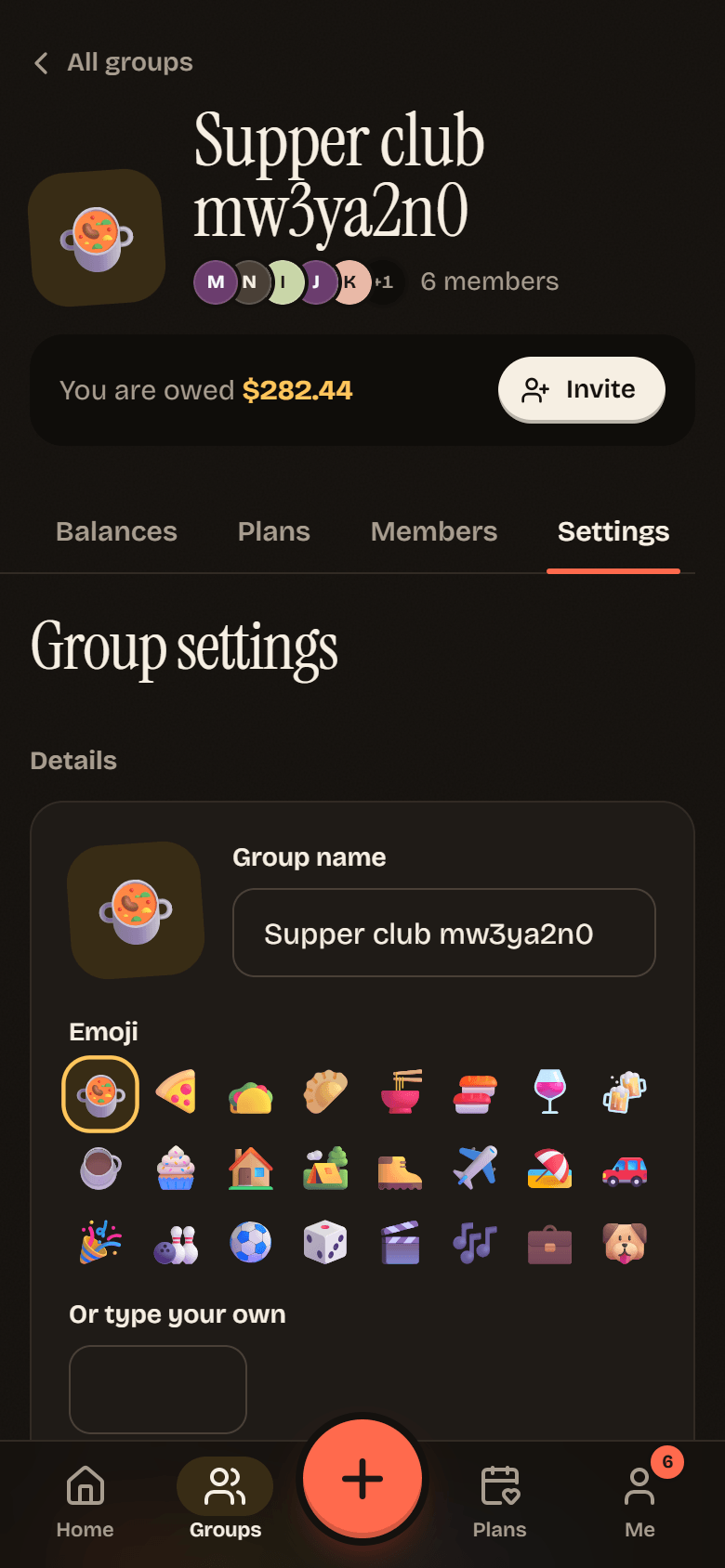
Section titled “Details”- Group name, Emoji and Color change how the group looks on everyone’s lists.
- Currency is the currency balances are kept in. It is Locked once money has been added, because changing it would change what everyone owes. To track a trip in a new currency, start a new group or add expenses in the other currency (see Currencies).
Tap Save when you are done.
House rules
Section titled “House rules”Simplify debts : Fewer payments, same totals. Nobody pays more than they owe. On by default. Simplified debts shows what it does with an example.
Members can invite people : Lets regular members make invite links. On by default. When it is off, only owners and admins can. See Inviting people.
The exit
Section titled “The exit”Archive a group
Section titled “Archive a group”Archive group hides the group from your list. Balances stay put and nothing is deleted. You can tap Undo right away, or find it later under Show archived on the Groups page and tap Unarchive group.
While a group is archived, nobody can add expenses to it or make invite links.
Leave the group
Section titled “Leave the group”Leave group works when your balance in the group is zero. Owners hand over ownership first. See Roles and members.
Delete the group
Section titled “Delete the group”Only the owner can delete a group, and only once every balance in it is settled. Until then the button explains Settle all balances before deleting the group.